Automatic Keyword Clustering for Google Ads
Turn a list of 1000 keywords into a perfect Google Ads campaign structure in 5 minutes using AI.
Try for FreeProblem
Does grouping in Excel or Google Ads Editor take forever?
Manually creating ad groups to improve relevance is long, boring, and prone to errors.
Quantum Solution
Structure in a few clicks
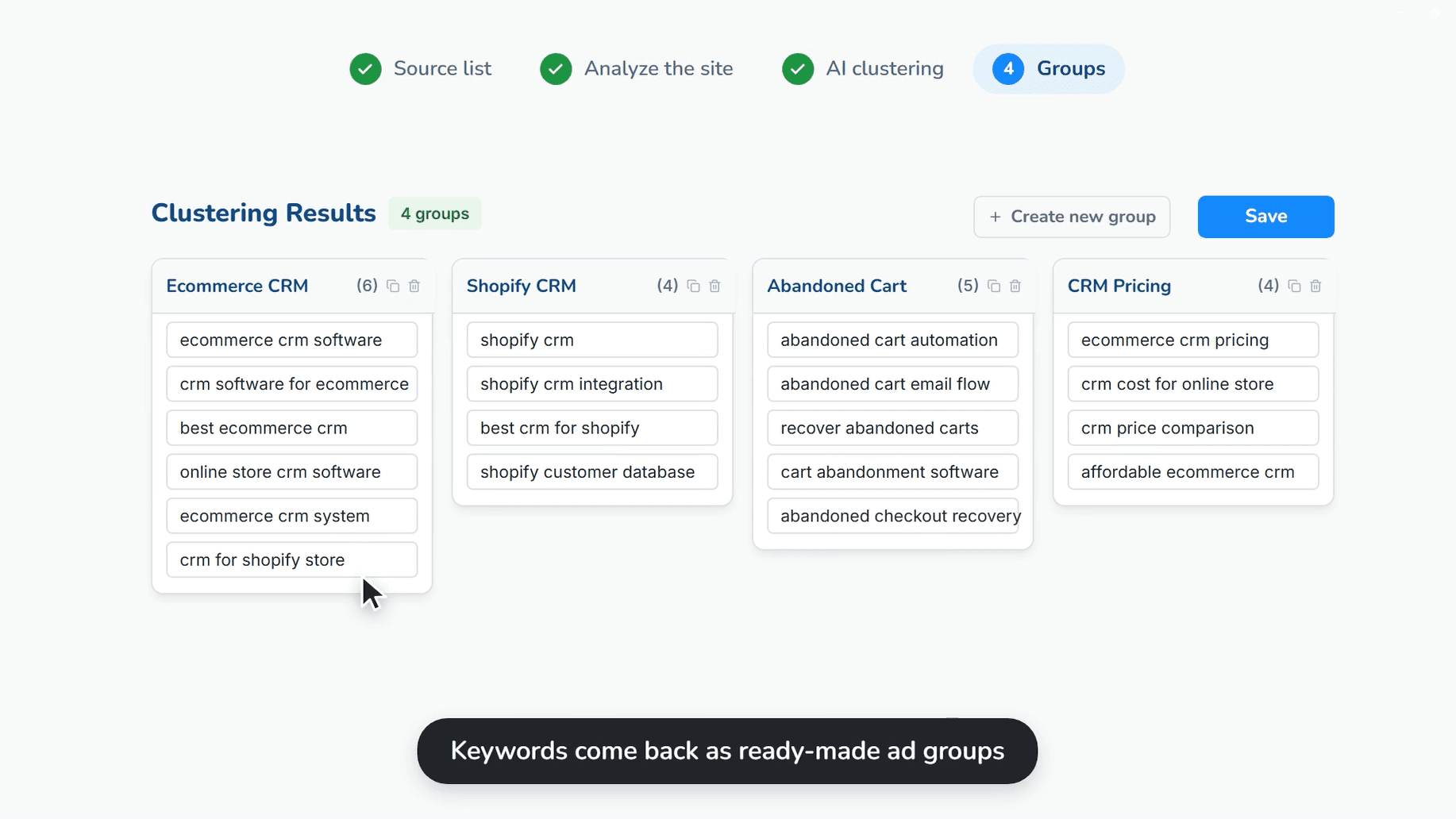
Use AI for instant query distribution. Drag-and-drop interface for final "polishing".
4 Grouping Methods
Choose the right method: AI clustering, by tail length, SKAG (1 keyword = 1 group), or manual mode.
Drag-and-Drop Editor
Drag keywords between groups with your mouse. No Ctrl+C / Ctrl+V.
Seamless Integration
Save the structure and send it immediately to the ad creation module without exporting to files.
How it Works
1
Load Semantics
Select saved keyword lists or paste new ones manually.
2
Choose Method
Run AI clustering or use built-in methods tailored to your needs.
3
Edit and Save
Check groups, drag keywords if necessary, and save the set for ad creation.