Shopping Optimizer: Analytics and Optimization for Google Shopping & PMax
Find "loser" products and scale "stars". Identify growth opportunities and budget drains in your Shopping campaigns in minutes.
Try for FreeProblem
Wasting budget on ineffective products/categories/brands?
In PMax and Shopping campaigns, it's hard to see the performance of each individual product and quickly turn off unprofitable ones.
Quantum Solution
Real-time analytics and actions
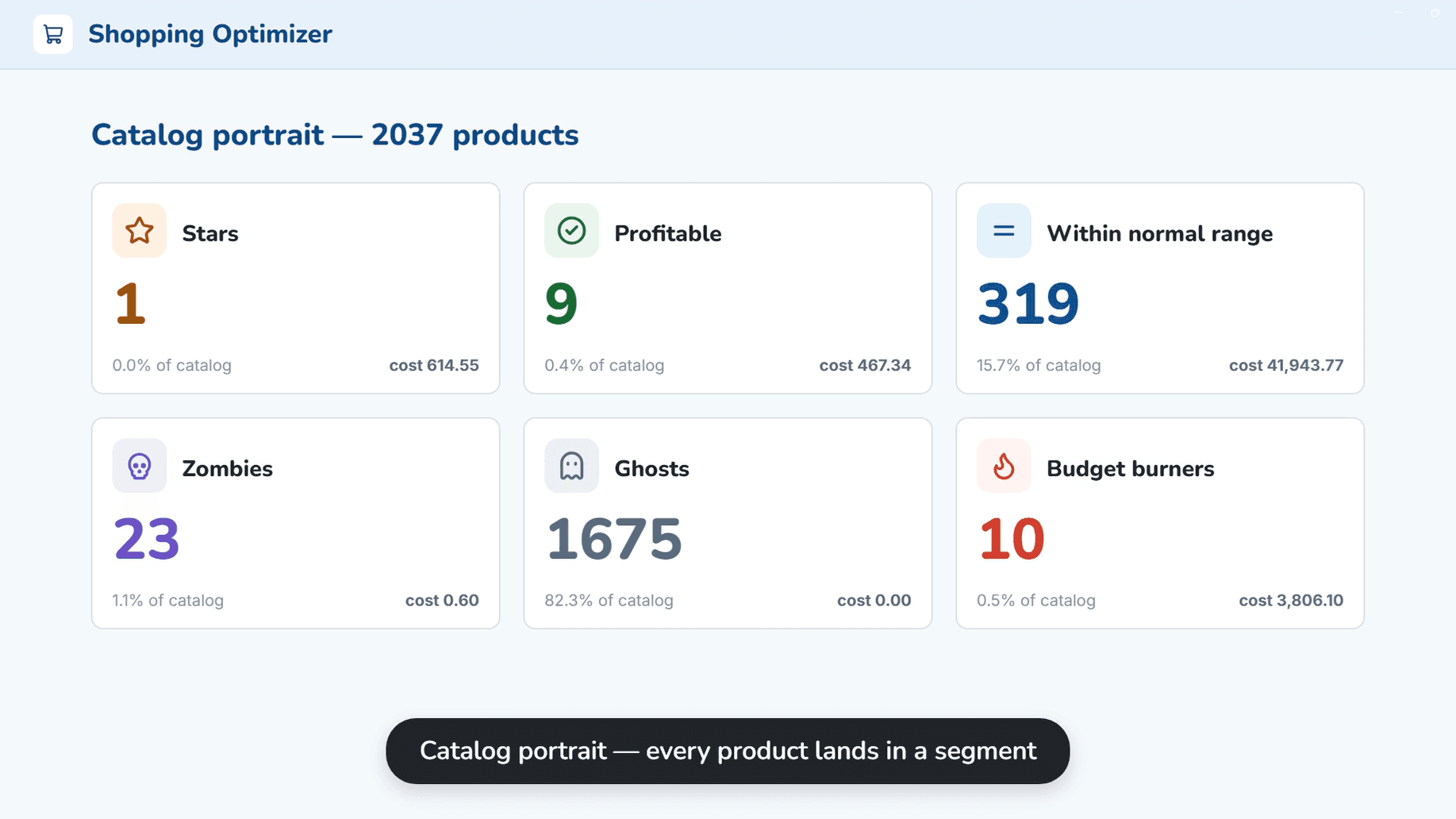
Set your KPIs (ROAS, margin, CPA) and the system will instantly highlight products that are dragging you down.
Star & Loser Criteria
Configure rules (A/S Ratio, CPA) by which products will be automatically marked as effective or unprofitable.
Margin Tracking
Set different margins for different brands or categories to calculate real profit, not just ROAS.
Quick Actions
Bulk exclude 'losers' or create separate campaigns for top products in a couple of clicks.
How it Works
Import Statistics
Select campaigns and analysis period. The system pulls data for each product and structures it into a table. You can choose product grouping mode (by product_type, brand, etc.).
KPI Setup
Specify target ROAS and margin. The table will highlight plan fulfillment or non-fulfillment in green and red.
Optimization
Filter 'bad products' and exclude them from campaigns in 1 click. Filter 'Star Products' and launch them as a separate campaign.